Befrey
Smartphones are powerful mini-computers, but they sometimes develop frustrating problems. One of the most common issues people experience is overheating. Many users suddenly notice their device becoming hot while browsing, gaming, charging, or even sitting idle. Naturally, they start searching online with questions like “Why Does My Phone Overheat and How Can I Fix It?” or similar phrases such as “why is my phone getting so hot,” “how to stop phone overheating,” or “how to cool down an overheating smartphone.”
The good news is that most overheating problems are not caused by serious hardware damage. In many situations, they are related to software behavior, background processes, battery stress, or environmental conditions. When you understand why smartphones generate heat and how their internal systems manage temperature, solving the problem becomes much easier. This guide will explore every important cause of smartphone overheating and provide detailed, practical solutions that both beginners and advanced users can apply immediately.
Common reasons why smartphones overheat during everyday use
Understanding the root causes of overheating is the first step toward solving the problem. Smartphones contain processors, batteries, graphics chips, wireless radios, and storage components. All of these generate heat while operating. Normally, phones dissipate this heat through their frame and internal thermal management systems.
However, certain situations cause the device to generate more heat than it can release. When that happens, temperature builds up quickly.
One major cause is high processor workload. Modern apps demand significant computing power. Video editing apps, augmented reality tools, and heavy multitasking push the CPU and GPU to their limits. The harder these components work, the more electrical energy they consume. That energy converts into heat.
Another frequent cause is background activity. Many apps run tasks even when you are not using them. They may synchronize data, track location, update notifications, or refresh content. If several apps do this simultaneously, the processor remains constantly active.
Environmental conditions also play a huge role. Phones exposed to direct sunlight, hot cars, or warm environments struggle to cool down naturally. Unlike laptops or desktops, smartphones do not have active cooling systems such as fans.
Additionally, charging behavior affects temperature. Fast charging pushes high electrical current into the battery. This process generates heat as a natural byproduct of energy transfer.
Finally, poor signal strength can cause overheating. When the phone struggles to maintain a cellular connection, it continuously boosts radio power to reconnect to the network. That constant communication effort drains battery power and increases heat production.
Understanding these causes helps you identify the exact reason your device is overheating.
Why does my phone get hot while charging?
One of the most common situations where users notice overheating is during charging. Many people ask why their phone becomes warm or even hot when plugged into a charger.
Charging generates heat because energy is moving rapidly into the battery. Lithium-ion batteries store energy through chemical reactions. When electricity flows into the battery cells, these reactions produce heat as a natural side effect.
Fast charging technology intensifies this process. Modern phones support extremely fast charging speeds to reduce waiting time. Some devices can reach 50% battery in less than 30 minutes. However, pushing large amounts of power into a small battery inevitably creates heat.
Charging while using the phone worsens the situation. If you watch videos, play games, or browse social media while charging, the phone simultaneously consumes and receives power. The processor works harder, the screen remains active, and network connections stay busy.
This combination creates two sources of heat at once. The battery heats from charging, and the processor heats from workload.
Another issue involves charging accessories. Cheap or incompatible chargers may deliver unstable voltage. This forces the phone’s internal charging controller to compensate, generating additional heat.
To minimize overheating while charging, follow these practices:
• Use the original charger provided by the manufacturer
• Avoid heavy usage while charging
• Remove thick phone cases during charging
• Charge in a cool environment
• Avoid placing the phone under pillows or blankets
These simple habits significantly reduce charging temperature.
How to stop phone overheating while gaming
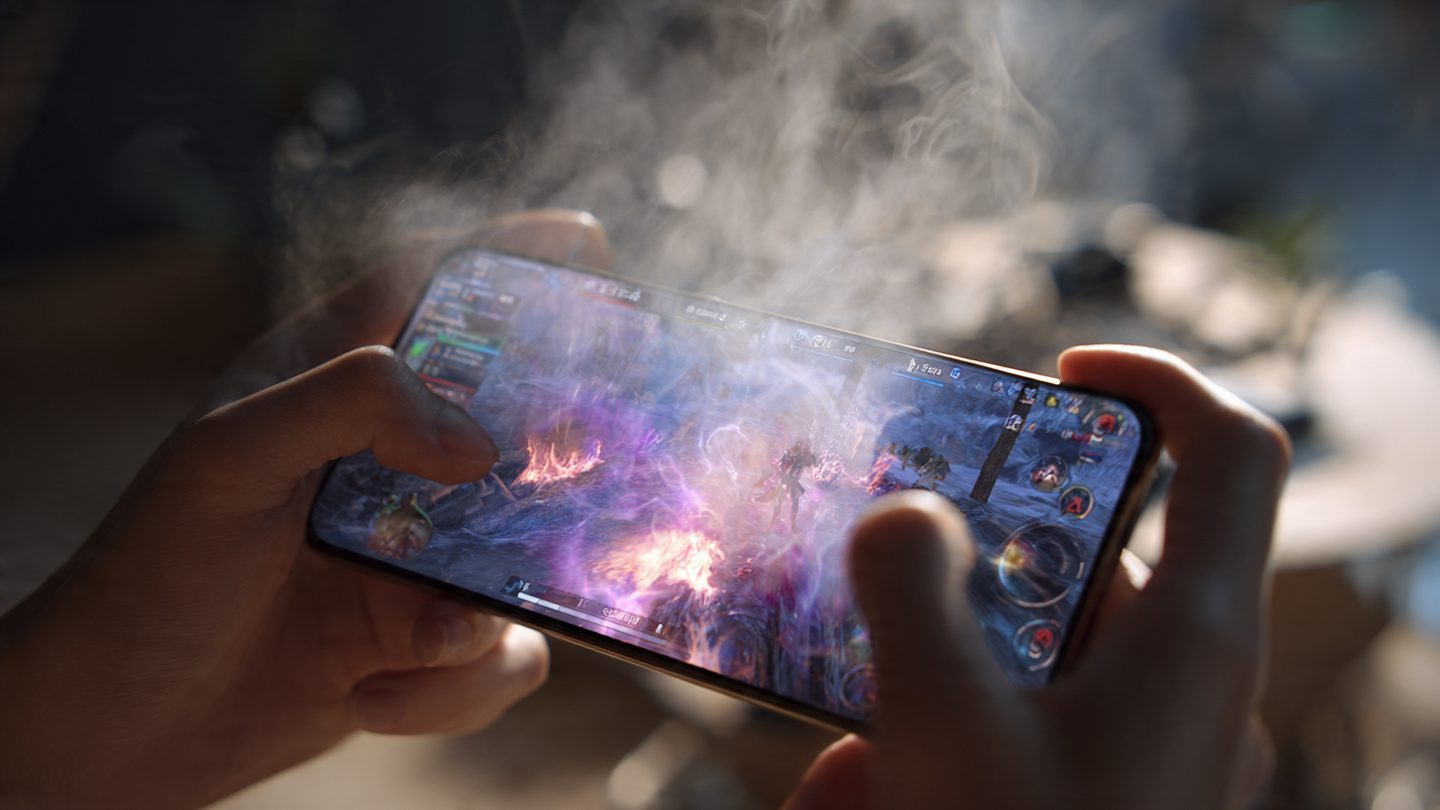
Mobile gaming is one of the most demanding activities for smartphones. Modern games feature complex graphics, real-time physics calculations, and online multiplayer connections. These elements push the processor and graphics unit close to their maximum capacity.
As a result, many users experience overheating while playing games for extended periods.
Gaming stresses several phone components simultaneously. The CPU calculates game logic. The GPU renders graphics. The screen runs at high brightness and refresh rates. Wireless radios maintain online connectivity. Audio processing handles sound effects and voice chat.
All these systems operate at full power, generating heat rapidly.
There are several effective strategies to reduce overheating during gaming.
First, lower graphics settings in the game. High-resolution textures and advanced lighting require significantly more processing power. Reducing visual quality can dramatically lower heat production.
Second, limit background apps. Closing unused apps frees processor resources and reduces background activity.
Third, reduce screen brightness. Displays are one of the largest power consumers on smartphones. Lower brightness reduces overall energy usage.
Fourth, avoid gaming while charging. This creates extreme thermal stress because the battery receives power while the processor consumes it.
Finally, take cool-down breaks. Even powerful gaming phones need short pauses to dissipate accumulated heat.
These simple adjustments help maintain safe temperature levels during gameplay.
What causes Android phones to overheat quickly?
Android devices come from many manufacturers, each with different hardware designs and software systems. While this diversity creates innovation, it also means overheating causes can vary significantly between devices.
One major factor involves background services. Android apps often run persistent processes that continue operating after you close the app. These services may monitor notifications, update feeds, or synchronize data.
When too many apps run background processes simultaneously, the CPU rarely enters a low-power state. Instead, it continuously handles tasks and generates heat.
Another cause is software bugs or poorly optimized apps. Some applications may contain programming errors that cause infinite loops or excessive resource consumption. In these cases, the processor remains under constant stress even when the phone appears idle.
Operating system updates can also temporarily cause overheating. After installing a system update, the phone re-indexes files, rebuilds caches, and optimizes apps. These background tasks may run for several hours.
Hardware design plays a role as well. Slim smartphones prioritize aesthetics and portability. However, thin designs leave less room for heat dissipation materials like copper pipes or graphite sheets.
Additionally, some Android phones use extremely powerful processors designed for gaming and heavy workloads. These chips produce significant heat when pushed to maximum performance.
If an Android device overheats frequently, checking battery health, updating apps, and monitoring resource usage can often reveal the cause.

Why iPhone overheating happens after software updates
iPhone users occasionally notice overheating after installing a new version of the operating system. This phenomenon is surprisingly common and usually temporary.
After an update, the phone performs multiple background processes to reorganize system data. These tasks include indexing photos, optimizing apps, rebuilding machine learning models, and updating internal databases.
During this period, the processor remains active for extended periods. Because these tasks happen automatically, users may not realize the phone is working intensively in the background.
Another reason involves app compatibility. After major system updates, some apps may not immediately adapt to the new operating system. This mismatch can cause apps to behave inefficiently, increasing processor usage.
Battery calibration also plays a role. System updates sometimes recalibrate how the phone measures battery capacity and charging behavior. During this process, the device may temporarily consume more power.
Fortunately, this type of overheating usually resolves within a day or two after the update completes all optimization tasks.
If the problem persists longer, restarting the device, updating apps, or resetting system settings can often restore normal temperature behavior.
How to cool down an overheating smartphone safely
When your phone becomes hot, immediate cooling actions can prevent damage and restore normal operation. However, it is important to cool the device safely.
Never place an overheated phone in a refrigerator or freezer. Sudden temperature changes cause condensation, which may damage internal components.
Instead, follow these safer steps.
First, stop heavy activities. Close demanding apps such as games, camera apps, or video editing tools.
Second, remove the phone case. Thick protective cases trap heat and reduce airflow around the device.
Third, turn on airplane mode. This temporarily disables wireless radios, which consume power and generate heat while maintaining connections.
Fourth, move the phone to a cool, shaded environment. Avoid direct sunlight and hot surfaces.
Fifth, reduce screen brightness or turn off the display entirely for a few minutes.
Finally, restart the phone if overheating continues. A reboot stops background processes that may be causing excessive CPU activity.
Within a few minutes, most phones cool down naturally.
Signs your phone battery may be causing overheating
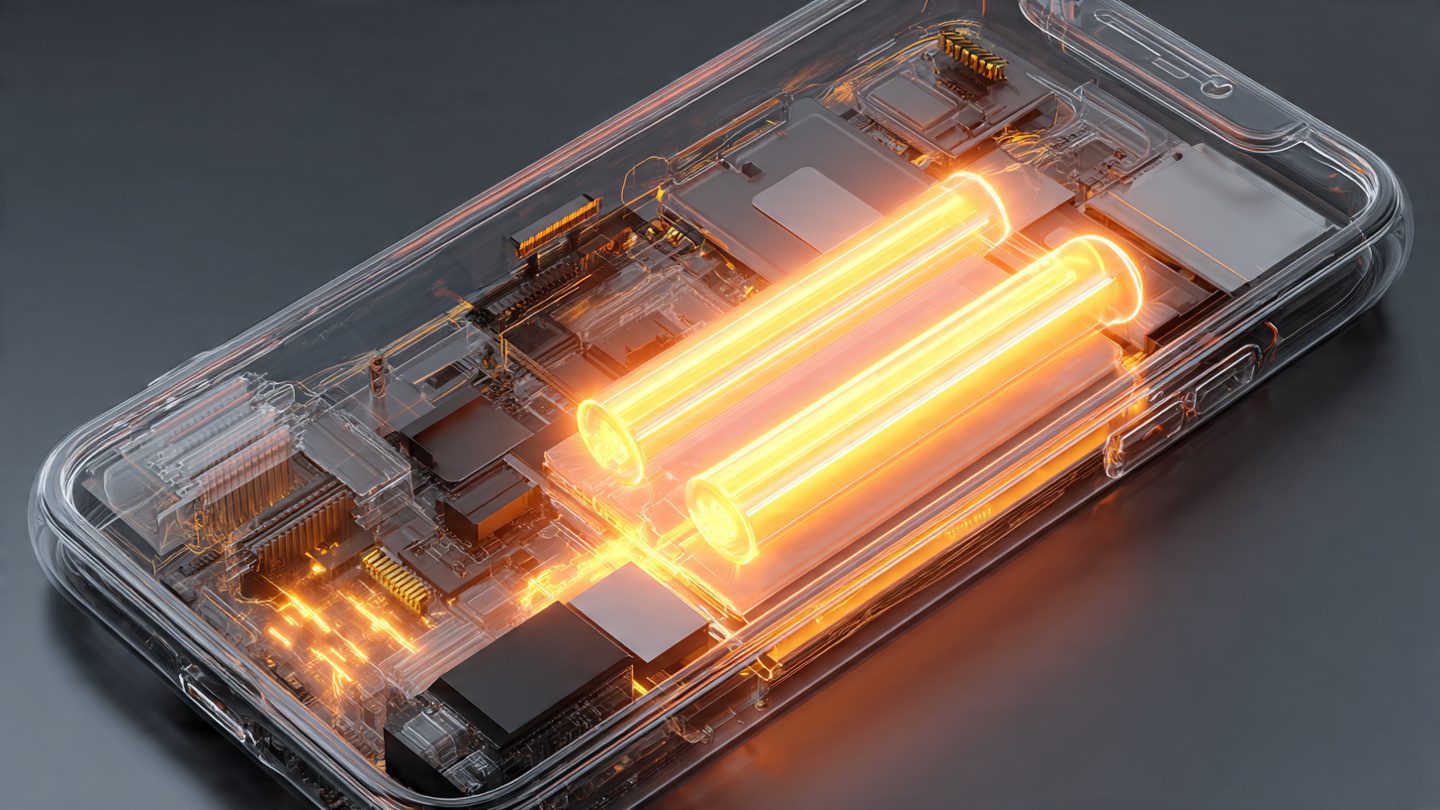
In some cases, overheating originates from the battery rather than the processor. Lithium-ion batteries degrade over time, and aging batteries may behave unpredictably.
One major warning sign is rapid battery drain. If your phone suddenly loses charge much faster than usual, the battery may be working inefficiently and generating excess heat.
Another symptom is swelling or bulging. A damaged battery can physically expand due to internal chemical reactions. This is a serious safety issue and requires immediate replacement.
Frequent overheating during simple tasks is another indicator. If your phone becomes hot while browsing the web or checking messages, the battery may no longer regulate power correctly.
Charging behavior can also reveal battery issues. If the phone heats excessively even during slow charging, internal battery resistance may have increased due to aging.
Replacing an old battery often solves persistent overheating problems.
Most modern smartphones allow battery replacement through authorized service centers. Although this involves some cost, it is significantly cheaper than replacing the entire phone.
Long-term habits that prevent smartphone overheating
Preventing overheating is easier than constantly fixing it. Several simple habits can dramatically reduce the risk of temperature problems.
Keep your device updated. Software updates often include performance optimizations that reduce unnecessary processor usage.
Avoid installing too many apps. Every installed app may run background services that consume resources.
Use trusted chargers and cables. High-quality accessories ensure stable power delivery and prevent electrical stress.
Clean your phone regularly. Dust and debris may block ventilation areas and reduce heat dissipation.
Avoid leaving the phone in hot environments, especially cars during summer. Internal temperatures can rise extremely quickly.
Finally, restart the device periodically. Reboots clear temporary processes and refresh system memory, helping maintain efficient performance.
These habits ensure your phone remains stable, efficient, and safe.
Summary
Smartphone overheating is a common issue that affects both Android and iPhone devices. In most cases, it occurs because the processor, battery, or wireless components are working harder than usual.
Common causes include heavy gaming, charging while using the phone, poor signal strength, software updates, and background app activity. Environmental factors such as sunlight or hot surroundings also contribute significantly.
Fortunately, many solutions exist. Adjusting app usage, improving charging habits, reducing screen brightness, and monitoring battery health can dramatically reduce overheating. When handled correctly, most temperature issues can be resolved without professional repair.
Understanding how smartphones generate heat empowers users to prevent problems before they become serious.
How do I recover deleted photos from my phone?
What Should I Do If My Phone Won’t Turn On?
How to Transfer All Data From Your Old Phone to Your New One
FAQ
1. Is it normal for phones to get warm?
Yes. Smartphones naturally generate heat during heavy tasks such as gaming, video recording, or fast charging.
2. Can overheating damage my phone?
Yes. Extreme temperatures may reduce battery lifespan, slow performance, or damage internal components.
3. Should I stop using my phone if it gets hot?
Yes. Allow the device to cool down before continuing heavy activities.
4. Does fast charging cause overheating?
Fast charging generates more heat than standard charging, but modern phones include safety systems to control temperature.
5. When should I replace my phone battery?
If your phone overheats frequently, drains battery quickly, or shows swelling, the battery should be replaced.
Call To Action
If your phone often overheats, start applying the solutions from this guide today. Small changes in charging habits, app usage, and device maintenance can dramatically extend your phone’s lifespan and improve performance.