Befrey
Losing pictures can feel devastating. Many people suddenly realize their memories are gone and immediately search “How do I recover deleted photos from my phone?”. Others type similar questions like “how to get deleted photos back on phone”, “restore deleted pictures on smartphone”, or “recover erased photos from mobile device”. The good news is that in many cases your images are not truly lost. Modern smartphones store photos in several layers of storage systems, temporary folders, and backups. Because of this, there are multiple ways to recover deleted pictures if you act quickly and follow the correct process.
This guide explains everything step-by-step. You will learn what happens when photos are deleted, the fastest recovery methods, and professional techniques that work even when images seem permanently gone. By the end of this article, you will understand how photo recovery works and how to dramatically increase your chances of restoring important pictures.
What actually happens when photos are deleted from a phone
Many people assume that deleting a photo immediately erases it forever. That is rarely true. In most cases, when a photo is deleted, the operating system only marks the storage space as “available”. The actual image file often remains on the device until new data overwrites it.
Think of it like removing the title of a book from a library catalog. The book may still sit on the shelf, but the system no longer lists it. The same happens with digital files. When you delete a photo, the file index disappears, but the data blocks may still exist.
Both Android and iPhone devices use this principle. Their storage systems are optimized for performance, not instant destruction of files. This is exactly why recovery tools can scan your device and reconstruct deleted pictures.
However, time is extremely important. The longer you keep using the phone after deletion, the higher the chance that new files will overwrite the old data. Once overwritten, recovery becomes much more difficult or even impossible.
If you accidentally deleted important photos, the first rule is simple: stop using the phone immediately. Avoid installing apps, taking pictures, or downloading files until you try recovery.

Can I recover permanently deleted photos on Android?
Android devices offer several built-in recovery options. Many users do not realize these features exist, so they assume their photos are gone forever.
First, check the Trash or Recently Deleted folder inside your photo gallery app. Most Android gallery apps store deleted pictures there for about 30 days before permanent removal. During this period, recovery takes only a few seconds.
Open your gallery application. Look for sections named Trash, Recycle Bin, or Recently Deleted. If your photos appear there, simply select them and tap Restore. The images will return to their original albums.
Another powerful feature is Google Photos backup. Many Android phones automatically sync photos to Google Photos without users realizing it. Even if the image is deleted from the phone, it may still exist in the cloud.
Open the Google Photos app and check the Library → Trash section. Files remain there for up to 60 days. After restoring them, they automatically reappear in your phone gallery.
If the photo does not exist in these folders, you still have additional options. Android allows data recovery through specialized software that scans internal storage for residual file fragments. These tools can rebuild deleted images if they have not yet been overwritten.
Recovery success depends on several factors. Storage type, time since deletion, and device usage all play major roles. Acting quickly dramatically increases your chances.
How to restore deleted photos from iPhone without backup
Apple devices handle photo deletion slightly differently, but the recovery principles are very similar.
When you delete a picture on an iPhone, it first moves to the Recently Deleted album. Apple keeps these images there for 30 days before removing them permanently. This feature alone solves most accidental deletion problems.
To recover photos:
-
Open the Photos app.
-
Scroll down to Recently Deleted.
-
Select the pictures you want to recover.
-
Tap Recover.
The images will instantly return to your main photo library.
But what happens if the 30-day window has passed?
Apple users may still recover images through iCloud Photos synchronization. If iCloud backup was enabled, deleted pictures may remain stored in the cloud or inside a previous device backup.
Another possibility involves restoring a full iPhone backup from iCloud or a computer. This process returns the entire phone to a previous state when the photos still existed.
However, restoring backups replaces current device data. That means newer files could be lost during the process. For this reason, professional recovery tools often extract images from backups without fully resetting the device.
This approach allows selective recovery of only the missing photos.
Best photo recovery apps for Android and iPhone
If built-in recovery options fail, dedicated photo recovery applications can help. These tools scan storage sectors and rebuild deleted files.
Most recovery apps use a process called deep scanning. They search the device memory for image file signatures such as JPEG, PNG, or RAW formats. When fragments are found, the software reconstructs the original image.
Several popular recovery solutions support both Android and iOS devices. They typically work by connecting your phone to a computer and analyzing the storage system.
These tools can recover photos that were deleted weeks or even months earlier, depending on device activity. Some advanced software can also repair partially corrupted images.
However, there are important limitations.
Modern smartphones use encrypted storage and restricted system access. Because of this, recovery apps may have limited access to internal storage unless the device is rooted or jailbroken. While rooting increases recovery capability, it also carries security risks and may void warranties.
Despite these challenges, many users successfully recover thousands of photos using professional recovery software.
Before installing any recovery tool, research the developer carefully. Use trusted programs with strong reputations. Low-quality apps may fail to recover files or even overwrite important data.

How to recover deleted photos without backup
Many people worry because they never created backups. Fortunately, recovery without backup is still possible.
When photos are deleted, the file data often remains physically present inside the phone storage. Recovery software can scan this memory and reconstruct deleted images even without backup copies.
The key factor is whether the storage blocks have been overwritten.
If the phone continued normal use after deletion, new data may replace the old files. But if the device remained mostly idle, the original images may still exist intact.
The recovery process typically involves the following steps:
-
Stop using the phone immediately.
-
Install trusted recovery software on a computer.
-
Connect the phone using USB.
-
Enable file access or developer mode if required.
-
Run a deep storage scan.
-
Preview recoverable images and restore them.
During scanning, the software identifies image signatures and rebuilds them from storage fragments.
The process may take from 10 minutes to several hours depending on storage size. Phones with large memory capacities require longer scans.
Although recovery success varies, many users retrieve surprisingly large numbers of images even without backups.
Recover photos from Google Photos or iCloud backup
Cloud backups are one of the most powerful safety nets for photo recovery.
Modern smartphones often sync photos automatically to cloud storage services. Many users enable these features once and forget about them.
Google Photos and iCloud are the two most common backup platforms.
If your photos were backed up, recovery becomes extremely simple. You can restore images directly from the cloud without complicated software or technical knowledge.
Start by opening the cloud photo app associated with your device. Search for the deleted images in the library or trash section. Cloud services usually keep deleted files for several weeks.
Another advantage of cloud systems is version history. Even if a file was edited or partially corrupted, older versions may still exist in the backup.
For larger recovery tasks, downloading your entire cloud archive may be useful. This ensures you have a local copy of all photos before making further recovery attempts.
Cloud backups are not only useful for recovery. They also protect photos from device loss, theft, or hardware failure.
Because of this, enabling automatic cloud synchronization is one of the best long-term strategies for protecting your digital memories.
Professional data recovery methods for smartphones
Sometimes standard recovery methods fail. Photos may be missing due to severe storage corruption, device damage, or factory resets.
In these cases, professional data recovery services may be the only option.
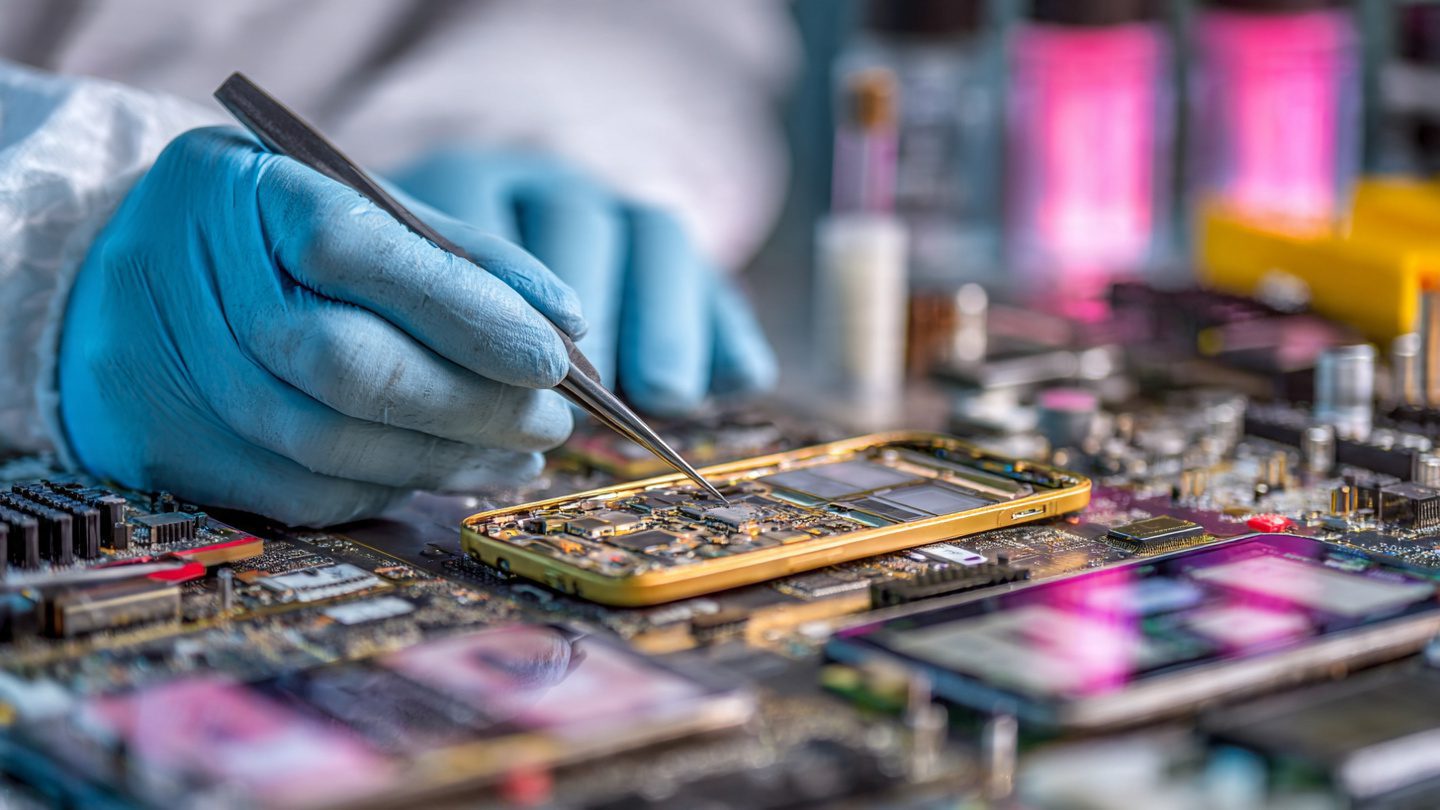
These companies use specialized hardware and forensic software to extract data directly from storage chips. Their techniques are far more advanced than consumer tools.
Professional labs can perform procedures such as:
• Chip-off recovery – physically removing the storage chip and reading data directly.
• JTAG recovery – accessing hidden debugging interfaces on the motherboard.
• Forensic image reconstruction – rebuilding fragmented files using advanced algorithms.
These processes require expert technicians and specialized equipment. Because of this, professional recovery can be expensive.
However, success rates are often very high. Many labs recover photos from severely damaged phones, including water-damaged devices or phones that will not power on.
If your images are extremely important, professional recovery may be worth the cost.
Before sending your phone to a recovery lab, research the company carefully. Look for certified technicians and verified customer reviews.
Preventing photo loss in the future
Recovering photos is helpful, but preventing loss is even better.
Modern smartphones provide many simple tools to protect your pictures automatically.
First, enable automatic cloud backups. Both Google Photos and iCloud allow continuous photo synchronization. This ensures every new image immediately exists in multiple locations.
Second, perform regular local backups. Copy photos to a computer or external drive periodically. Having both cloud and offline backups creates strong redundancy.
Third, consider using automatic backup apps that transfer photos to secure storage daily.
Fourth, organize your images. When photos are stored in structured albums and folders, accidental deletion becomes less likely.
Finally, avoid installing untrusted apps that request full storage access. Some poorly designed apps may accidentally delete or corrupt files.
By combining multiple backup strategies, you create a powerful safety system that protects your memories from accidents, device failure, or data corruption.
Why Is My Phone Slow, and How Can I Speed It Up?
How to quickly free up space on your phone when it’s full
Why Does My Phone Run Out of Battery So Fast, and How Can I Extend Its Battery Life?
Summary
Accidentally deleting photos from a smartphone can feel like a disaster. Fortunately, in most situations the images are not truly gone. Phones use storage systems that keep deleted data temporarily available until it is overwritten.
The fastest recovery methods include checking the Trash or Recently Deleted folders, restoring images from cloud backups, and using photo recovery software to scan device storage. Even without backups, specialized tools can often reconstruct deleted files.
If standard methods fail, professional data recovery services can retrieve photos using advanced hardware techniques.
The most important rule is to act quickly and stop using the phone immediately after deletion. Doing so greatly increases recovery success.
FAQ
1. Can deleted photos be recovered after a factory reset?
Yes, but recovery becomes much harder. Factory resets overwrite large portions of storage. Professional recovery software or labs may still recover fragments if the data was not completely overwritten.
2. How long do phones keep deleted photos?
Most smartphones store deleted images in a Trash or Recently Deleted folder for 30 days before permanent removal.
3. Are photo recovery apps safe to use?
Trusted recovery apps are safe, but always download software from reputable developers. Low-quality apps may fail or overwrite data.
4. Can I recover photos from a broken phone?
Yes. If the storage chip is intact, recovery tools or professional labs can extract the images even if the phone does not turn on.
5. Is rooting or jailbreaking required for recovery?
Not always. Some tools work without it, but deeper scans may require root or jailbreak access to internal storage.
Call To Action
Losing photos does not have to be permanent. If you found this guide helpful, start protecting your memories today. Enable automatic backups, organize your photo library, and share this guide with anyone who might need help recovering their pictures.