Befrey
Smartphones are powerful tools. They store photos, videos, apps, messages, and documents. But sooner or later, almost everyone faces the same frustrating problem: storage is full. If you have ever searched How to quickly free up space on your phone when it’s full, you are not alone. Millions of people ask this exact question every day. A phone with full storage becomes slow, unreliable, and difficult to use. Apps crash. Photos stop saving. Updates fail. The good news is that there are clear solutions. In this guide you will learn how to quickly free up space on your phone when it’s full, how to clear storage on Android or iPhone, how to delete unnecessary files on your phone, how to clean up phone storage safely, how to remove apps taking up space, and how to free up storage without deleting photos. These strategies are simple, practical, and powerful. By the end of this article, your phone will feel lighter, faster, and easier to use.
Why Phones Run Out of Storage So Quickly
Modern smartphones store enormous amounts of data. Every photo you take, every video you record, every app you install, and every message you receive consumes storage space. Over time this data accumulates quietly in the background until one day your phone suddenly warns you that the storage is full. Many people are surprised because they do not remember installing anything large recently. However, the reality is that most storage problems come from small files building up slowly over months or years.
Photos and videos are usually the biggest storage consumers. Modern cameras produce extremely high-resolution images and 4K videos that can occupy hundreds of megabytes each. Messaging apps also store media files automatically. Even if you never save them manually, they remain stored inside the app. In addition, apps themselves continue growing because they store cache data, temporary files, and updates.
Another hidden storage issue comes from duplicate files. Many phones contain multiple copies of the same photo, screenshot, or video. Backup apps, social media downloads, and messaging apps often create duplicates without users realizing it. Over time this duplication becomes a major storage problem.
System updates also require storage space. If your device does not have enough free storage, updates fail to install. That means security patches and performance improvements are missed. This makes storage management not only convenient but also important for device health and safety.
Understanding these hidden storage consumers is the first step toward solving the problem. Once you know where space disappears, freeing storage becomes much easier.
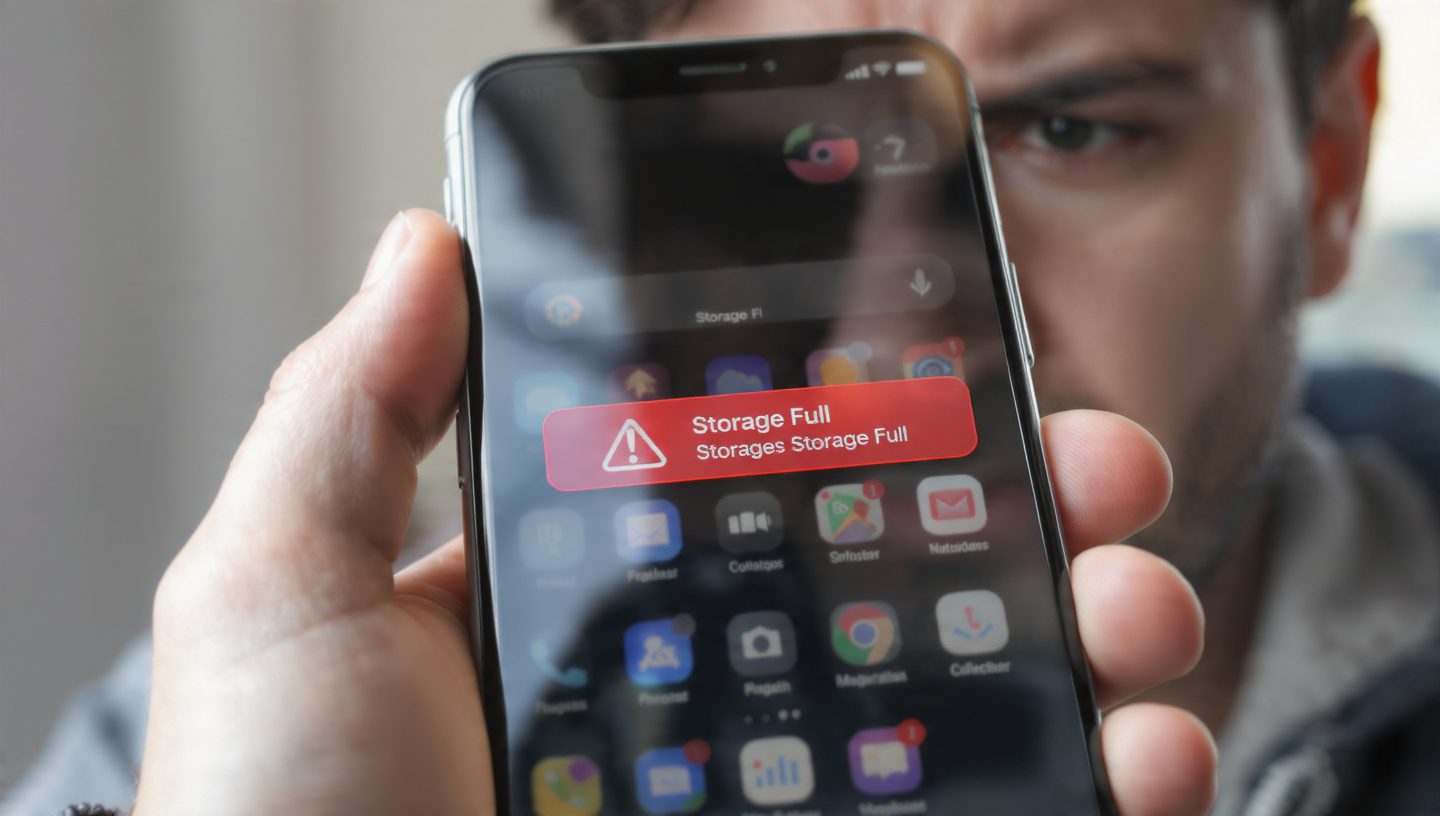
Clear Storage on Android or iPhone Using Built-In Tools
One of the fastest ways to solve the problem of How to quickly free up space on your phone when it’s full is to use the built-in storage management tools already available on your device. Both Android and iPhone include powerful storage analysis features that many users never explore. These tools show exactly what is consuming storage and provide recommendations for cleaning it safely.
On Android devices, you can open Settings and navigate to the storage section. Here you will see a detailed breakdown of categories such as apps, photos, videos, system files, and cached data. Some Android phones also include a “Storage Manager” or “Device Care” feature that automatically identifies unnecessary files. These tools can delete temporary files, clear cache, and remove leftover data from uninstalled apps.
On iPhones, the process is equally straightforward. In Settings, under General, there is a section called iPhone Storage. This screen displays a visual chart showing how much space each app consumes. Apple also offers recommendations such as offloading unused apps or deleting large attachments from messages. These suggestions are designed to help users quickly recover storage without complicated manual cleanup.
Using these built-in tools provides two major advantages. First, they are safe. The system only suggests deleting files that are unnecessary. Second, they are fast. In many cases you can free several gigabytes of space within minutes simply by following the automatic recommendations.
For many users this step alone solves most storage problems. But if your phone is still full, there are several deeper cleaning strategies available.
Delete Unnecessary Files on Your Phone to Recover Hidden Storage
One of the most effective methods to free storage is learning how to delete unnecessary files on your phone. These files accumulate silently and can occupy large amounts of space without providing any real value. Cleaning them regularly can dramatically improve available storage.
Temporary files are the first category to examine. Apps generate temporary files when performing tasks such as streaming video, loading images, or processing data. These files help the app run smoothly but are often never deleted automatically. Over time thousands of temporary files accumulate. Clearing them can immediately recover storage space.
Download folders are another common storage trap. Every document, image, or video downloaded from the internet usually ends up in this folder. Many users forget these files exist. Some of them may be months or even years old. Reviewing this folder often reveals dozens of unnecessary files that can be deleted safely.
Screenshots are also surprisingly large storage consumers. People often take screenshots for temporary purposes such as saving information or sharing something quickly. After the task is complete the screenshot remains stored on the device indefinitely. Deleting old screenshots is a simple but powerful way to free space.
Voice recordings, PDF files, and document scans also accumulate over time. While each file might seem small, together they can occupy hundreds of megabytes or even several gigabytes. Periodically reviewing and removing unnecessary files helps maintain a healthy storage balance.
This simple habit of reviewing stored files once a month prevents storage from filling up unexpectedly.
Remove Apps Taking Up Space That You Rarely Use
Apps are among the largest consumers of phone storage. Many modern apps require hundreds of megabytes or even several gigabytes. Learning how to remove apps taking up space is one of the fastest ways to recover storage.
Most people install apps for temporary purposes. A travel app for a vacation. A game for a short period of entertainment. A photo editing tool used only once. However, after these needs pass, the apps remain installed indefinitely. Over time this leads to dozens of unused apps occupying valuable storage space.
Start by reviewing the list of installed apps in your storage settings. Sort them by size. You might be surprised to discover that some rarely used apps occupy enormous amounts of space. Games in particular often exceed one gigabyte due to large graphics and downloadable content.
Deleting unused apps does not mean losing access forever. If you need the app again later, you can simply download it again. App stores keep a record of previously installed applications, making reinstallation easy.
Some phones also allow “offloading” apps instead of deleting them completely. This feature removes the app itself but keeps user data stored. When the app is reinstalled later, your information is restored automatically. This is particularly useful for apps that contain important personal data.
Regularly reviewing installed apps is an easy habit that keeps storage under control while also improving phone performance.

Clean Up Phone Storage Safely Without Losing Important Data
When dealing with a full phone, many users worry about deleting something important. Fortunately, it is possible to clean up phone storage safely without risking valuable data. The key is understanding which files are safe to remove and which should be protected.
Cache files are one of the safest categories to delete. These files are temporary data stored by apps to speed up performance. Clearing cache does not delete personal data such as messages, photos, or account information. Instead, it simply removes temporary files that apps can recreate later if needed.
Old app data from uninstalled apps is another safe target. Sometimes apps leave behind leftover files even after they are removed. Storage cleaning tools often detect these “orphan files” and offer to delete them automatically.
Large media files should also be reviewed carefully. Instead of deleting them permanently, consider transferring them to cloud storage or a computer. This preserves your memories while freeing phone storage.
Another safe method involves removing large attachments from messaging apps. Many chat conversations contain photos, videos, and documents that are no longer needed. Deleting these attachments often frees significant space without affecting the conversation itself.
By focusing on temporary files, duplicates, and unnecessary attachments, you can reclaim large amounts of storage while keeping everything important safe.
Free Up Storage Without Deleting Photos Using Cloud Backup
Photos are often the most valuable data stored on a phone. That is why many users hesitate to delete them even when storage is full. Fortunately, it is possible to free up storage without deleting photos by using cloud backup services.
Cloud storage platforms automatically upload your photos and videos to secure online servers. Once the files are backed up, the local copies on your phone can be removed while still remaining accessible through the cloud. This approach keeps your memories safe while dramatically reducing storage usage.
Many smartphones already include integrated cloud backup options. When enabled, photos and videos are uploaded automatically whenever the device is connected to Wi-Fi. This means your media library remains protected without requiring manual effort.
After confirming that the backup is complete, you can safely remove local copies from your phone. The files will still appear in your gallery but will load from the cloud instead of the device’s internal storage.
Cloud backup also provides an additional benefit: protection against data loss. If your phone is damaged, lost, or stolen, your photos remain safe in the cloud and can be restored to a new device instantly.
This method is especially powerful for users who take large numbers of photos and videos regularly.
How Messaging Apps Secretly Fill Your Phone Storage
Messaging apps are some of the biggest hidden storage consumers. Many people are unaware of how quickly media files accumulate inside these apps. Every time someone sends a photo, video, sticker, or voice message, it is stored locally on your device.
Group chats are particularly problematic. A single active group can generate hundreds of images and videos within a short period of time. Over months or years this media collection can grow to several gigabytes without users realizing it.
Many messaging apps also download media automatically. Even if you never open the files, they are still stored on your phone. This automatic downloading can quickly fill available storage.
Fortunately, most messaging apps include storage management tools. These tools allow users to review large attachments and delete them easily. Some apps also provide options to disable automatic media downloads, preventing future storage buildup.
Regularly reviewing messaging app storage is an important step in maintaining a healthy device. Removing unnecessary media from old conversations often frees surprising amounts of space.

Managing Videos and Large Media Files for Maximum Storage Recovery
Videos are among the largest files stored on smartphones. A single minute of high-resolution video can consume hundreds of megabytes. If you record frequently, your phone storage can fill quickly.
The first step in managing video storage is identifying large files. Most storage management tools allow sorting files by size. This makes it easy to locate videos consuming the most space.
Once large files are identified, several options are available. You can delete videos that are no longer needed. You can transfer them to external storage such as a computer or hard drive. Or you can upload them to cloud storage services.
Another strategy involves compressing video files. Some apps can reduce video size significantly while maintaining acceptable quality. This approach allows users to keep their videos while reducing storage consumption.
Recording settings can also influence storage usage. Many phones record videos in extremely high resolutions by default. Reducing resolution slightly can save enormous amounts of storage without noticeably affecting video quality.
Understanding how videos consume storage helps users manage their media libraries more efficiently.
Preventing Your Phone Storage From Filling Up Again
After solving the problem of How to quickly free up space on your phone when it’s full, the next challenge is preventing it from happening again. Developing simple habits can keep your phone running smoothly for years.
One effective strategy is scheduling monthly storage reviews. Taking just a few minutes to check storage usage helps identify potential problems early. Deleting unnecessary files regularly prevents massive buildup.
Managing app installations carefully also helps. Before installing a new app, consider whether it will be used frequently. Removing unused apps promptly prevents long-term storage waste.
Controlling automatic downloads in messaging apps and social media platforms is another powerful step. Limiting these downloads prevents unnecessary files from accumulating silently.
Backing up photos regularly to cloud storage keeps your media library safe while reducing local storage usage. Many users combine this with automatic photo optimization features that store smaller versions locally.
These habits ensure that your phone remains fast, efficient, and ready for everyday tasks.
Why Is My Phone Slow, and How Can I Speed It Up?
Summary
Running out of phone storage is a common problem, but it is easy to solve with the right strategies. By understanding what consumes storage and using built-in management tools, users can quickly recover valuable space. Deleting unnecessary files, removing unused apps, cleaning cache data, and managing messaging media all contribute to effective storage management. Cloud backup services allow users to free space without losing photos. Regular maintenance habits prevent storage from filling up again in the future. With these techniques, any smartphone can remain fast, organized, and efficient.
FAQ
1. Why does my phone storage fill up even if I don’t install new apps?
Photos, videos, app cache files, messaging attachments, and downloads accumulate automatically over time. These hidden files slowly consume storage.
2. Is it safe to clear cache on my phone?
Yes. Cache files are temporary data used by apps. Clearing them does not delete personal information.
3. What files usually take the most storage on phones?
Photos, videos, large apps, and messaging media attachments are typically the biggest storage consumers.
4. How often should I clean my phone storage?
Checking storage once a month helps prevent unexpected storage problems.
5. Can cloud storage replace phone storage completely?
Cloud storage can store large files like photos and videos, but apps and system files still require local storage.
CTA
If your phone constantly runs out of storage, start applying these strategies today. A few minutes of storage cleanup can transform a slow, frustrating phone into a fast and efficient device. Take control of your phone storage and enjoy a smoother digital experience.