Befrey
Choosing the right laptop is crucial if you’re asking, “What laptop to buy for working from home?” Your choice affects productivity, comfort, and overall work efficiency. A proper laptop balances performance, battery life, and ergonomics while fitting your specific work needs. Whether you handle spreadsheets, video calls, creative work, or software development, the ideal machine varies. Many users rush into purchases without considering key aspects like processor power, RAM, storage, display quality, and connectivity. This guide explores every factor in depth, ensuring you make an informed decision that suits both your tasks and budget.
Best laptops for productivity and multitasking at home
Multitasking is the heart of working from home. Laptops for productivity must handle multiple applications simultaneously. This includes video conferencing, document editing, and background apps like cloud sync or communication tools. A processor capable of parallel tasks is essential. Modern mid-to-high-range CPUs allow seamless switching between apps without lag. RAM plays an equally important role—8GB is the minimum, 16GB or more is ideal for heavy multitasking. Fast storage, preferably SSD, ensures quick file access and smooth application launches. Investing in a laptop designed for productivity boosts efficiency and reduces frustration.
How to choose a laptop with the right processor and RAM
Processor and RAM directly affect a laptop’s speed and responsiveness. For working from home, you need a CPU that handles your workload efficiently. Intel Core i5 or i7, AMD Ryzen 5 or 7, are excellent choices for general and heavy tasks. More cores help with parallel processes, making multitasking smooth. RAM determines how many applications run simultaneously without slowdowns. 8GB is sufficient for basic tasks, but developers, designers, and data analysts benefit from 16GB or more. Opting for upgradeable RAM ensures your laptop stays relevant longer. Paired with an SSD, the combination drastically improves everyday performance.
Laptops with long battery life suitable for home offices
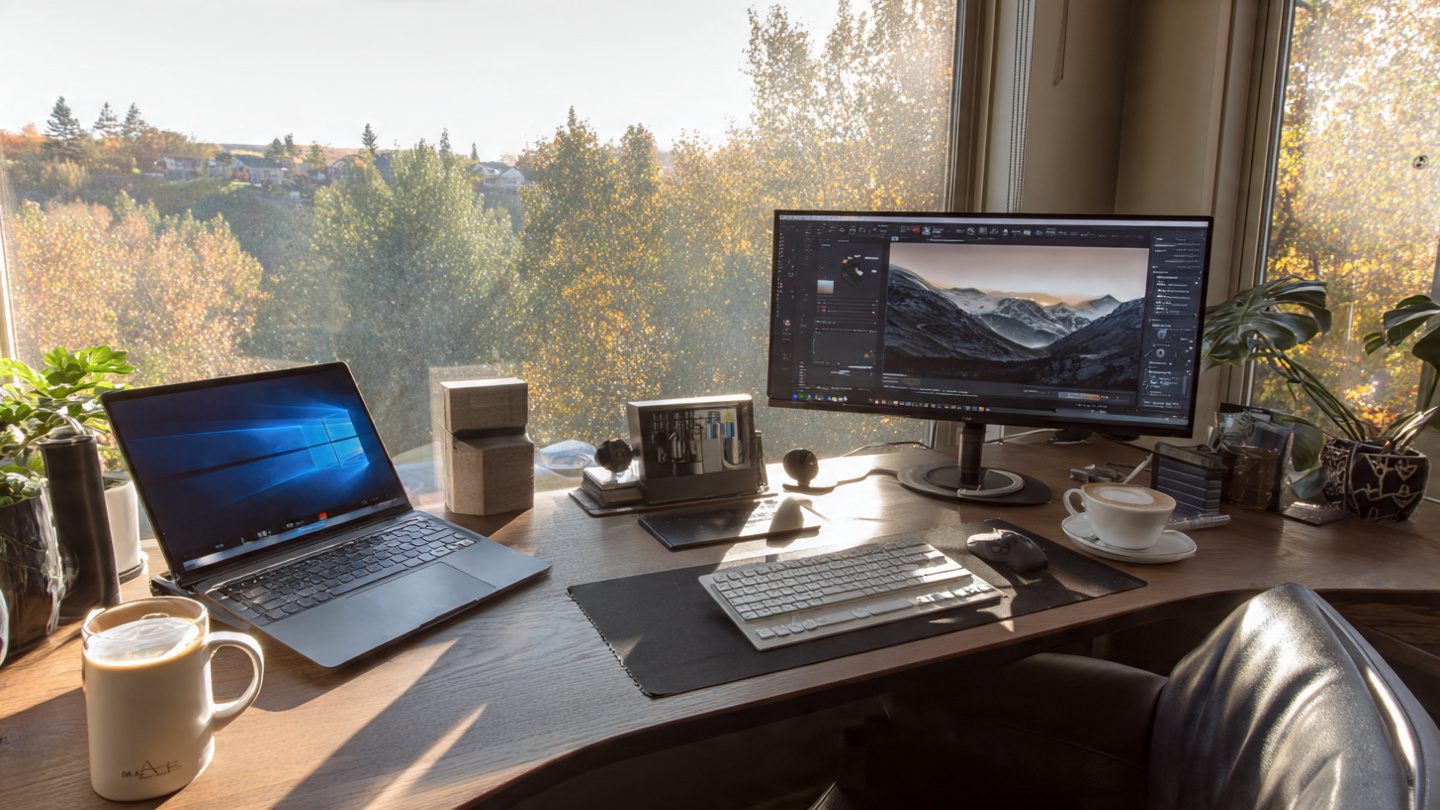
Battery life is vital, especially if your home office isn’t near a constant power source. Laptops with 8–12 hours of battery allow uninterrupted work. Efficiency depends on display type, processor, and software optimization. OLED and energy-efficient LCD screens reduce power consumption. Laptops with power-saving modes can extend battery even further. Consider devices with fast charging capabilities. Efficient battery management ensures productivity without frequent interruptions, especially during video calls or long editing sessions.
Key features to look for in a remote work laptop
Beyond performance, several features impact usability for remote work. A high-quality display reduces eye strain during long hours. Look for at least Full HD resolution and IPS panels for color accuracy and viewing angles. A comfortable keyboard with tactile feedback enhances typing efficiency. Connectivity options are crucial: USB-C, Thunderbolt, HDMI, and Wi-Fi 6 ensure compatibility with peripherals and stable internet. Built-in webcams and microphones are important for seamless video conferencing. Security features like fingerprint sensors or TPM chips provide peace of mind, especially if you handle sensitive work documents. Each of these features contributes to a smoother, more productive workday.
Comparing lightweight vs performance laptops for home use
Choosing between portability and performance is essential. Lightweight laptops are easier to carry and more ergonomic but often compromise on raw power. They’re ideal if you occasionally move around the house or work from multiple locations. Performance laptops, on the other hand, offer stronger CPUs, dedicated graphics, and more RAM. These are suited for demanding tasks like video editing, software development, or running virtual machines. Weight, thermal management, and build quality must also be considered. Balancing portability and performance ensures your laptop fits your workflow without sacrificing comfort or capability.
Affordable laptops for work from home without compromise
Budget constraints don’t mean you have to sacrifice essential features. Many laptops under $800 offer solid performance, full HD displays, and long battery life. Focus on models with efficient processors and at least 8GB RAM. SSD storage dramatically improves speed, even in lower-cost devices. Build quality, keyboard comfort, and display resolution remain non-negotiable. Comparing user reviews and professional benchmarks can help identify affordable laptops that deliver premium experiences. With careful selection, you can get value and functionality comparable to higher-end models. Affordability and performance can coexist if you know what features truly matter.
Storage options: SSD vs HDD and hybrid solutions
Storage type affects speed, reliability, and overall user experience. SSDs are faster, more reliable, and energy-efficient compared to traditional HDDs. SSDs reduce boot times, accelerate software loading, and improve file transfers. Some laptops offer hybrid configurations—SSD for OS and apps, HDD for bulk storage. This combination balances speed and capacity. For remote work involving large files like videos or datasets, prioritize SSD storage. Understanding storage needs prevents bottlenecks and ensures smooth workflow during intensive tasks. Backup solutions, cloud storage, and external drives can supplement internal storage if necessary.
Display quality and ergonomics for long hours
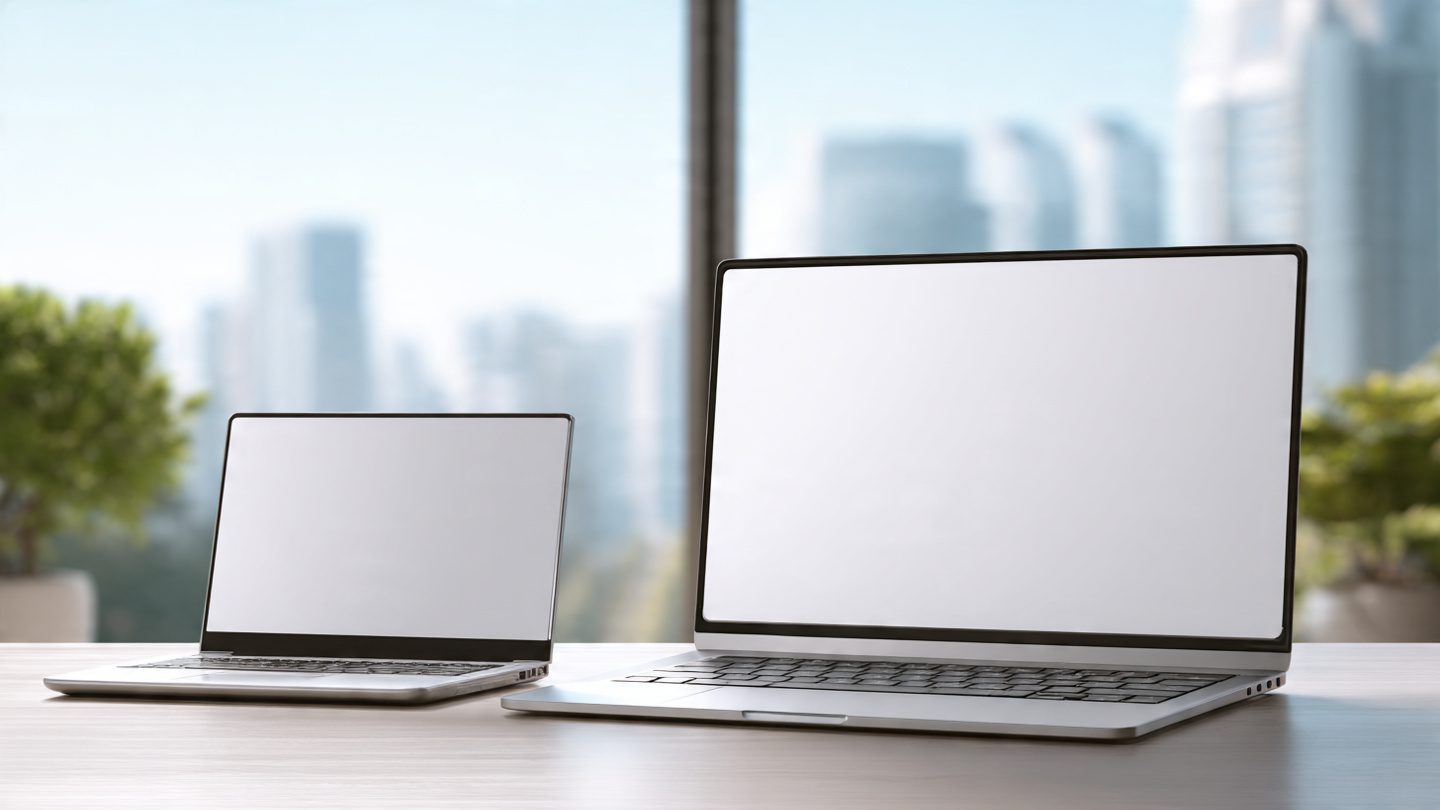
Spending hours in front of a laptop makes display quality and ergonomics critical. Screen resolution, size, and panel type influence eye comfort and color accuracy. IPS or OLED panels provide better color reproduction and wider viewing angles than standard TN panels. Matte screens reduce glare, while adjustable brightness helps during daylight. Ergonomic design includes keyboard layout, key travel, hinge flexibility, and wrist support. A laptop stand or external keyboard can improve posture and reduce strain. Comfort and usability directly impact productivity and overall health during extended work sessions.
Connectivity and peripheral compatibility
Remote work often involves multiple peripherals: monitors, keyboards, mice, external storage, and audio devices. Laptops must support USB-C, Thunderbolt, HDMI, and audio jacks. Wi-Fi 6 ensures faster, more reliable internet connections, essential for video calls and cloud-based workflows. Bluetooth enables wireless devices, reducing cable clutter. Docking stations and hubs expand connectivity, transforming your laptop into a full workstation. Proper peripheral support ensures seamless integration into your home office setup, maintaining efficiency and flexibility. Connectivity determines how versatile and future-proof your laptop remains.
Software, security, and long-term value
The right software ecosystem enhances productivity. Windows, macOS, and Linux offer different advantages, so choose based on your workflow. Regular software updates improve performance and security. Security features like encryption, biometric authentication, and antivirus software protect sensitive data. Long-term value is tied to upgradability and support. Laptops with replaceable RAM and storage or extended warranties ensure longevity. Investing in a well-supported laptop reduces long-term costs and minimizes disruption caused by hardware obsolescence. Secure and efficient software complements strong hardware for a complete home office solution.
Why does my phone drain quickly – is it worth buying a new one?
How to choose a mobile phone under €300 (best price/performance ratio)
Summary
Selecting the best laptop for working from home requires evaluating performance, battery life, display, ergonomics, connectivity, and software. Balancing productivity, comfort, and cost ensures a machine that supports your workflow efficiently. By understanding processor power, RAM, storage, and peripheral compatibility, you can choose a laptop that enhances productivity without compromise. Whether lightweight for mobility or performance-focused for demanding tasks, the right laptop elevates your remote work experience.
FAQ
1. What is the minimum RAM for home office work?
8GB is the minimum, but 16GB is ideal for multitasking and heavy applications.
2. Do I need a dedicated graphics card?
Only if your work involves video editing, 3D design, or gaming. Otherwise, integrated graphics suffice.
3. How important is battery life for remote work?
Very important. Laptops with 8+ hours of battery prevent interruptions and increase mobility.
4. Should I prioritize weight or performance?
It depends on your workflow. Lightweight for portability, performance for demanding tasks.
5. Is SSD storage essential?
Yes, SSDs dramatically improve boot times, app loading, and overall responsiveness.
CTA (Call-To-Action)
Looking to maximize your work from home productivity? Find the perfect laptop for your needs today and transform your home office setup. Upgrade smart, work efficiently, and stay ahead of deadlines.