Befrey
Many smartphone users ask, “Why does my phone drain quickly – is it worth buying a new one?” The frustration of seeing your battery drop from 100% to 20% in a few hours is common. Before rushing to spend hundreds on a new device, it’s important to understand the reasons behind rapid battery drain. Factors like app behavior, system optimization, hardware wear, and charging habits all contribute. By identifying the root cause, you can often extend your phone’s life or make an informed decision about replacement. This comprehensive guide explains everything in detail, helping you save money and maximize your device’s potential.
Common reasons smartphones lose charge quickly
Smartphones can lose power for several reasons. The most obvious is heavy app usage. Gaming, video streaming, and multitasking consume more energy than simple messaging or calls. Even apps running in the background can drain the battery without your knowledge.
Display settings play a significant role. High brightness levels, adaptive refresh rates, and AMOLED screens increase power consumption. Poor signal strength also causes the phone to work harder, draining the battery faster.
Software issues can exacerbate the problem. Outdated operating systems or buggy apps can cause abnormal power usage. Sometimes, apps fail to go to sleep properly, running processes endlessly.
Hardware deterioration is another factor. Lithium-ion batteries degrade over time. Older phones naturally hold less charge, making them feel inefficient even with light usage.
Temperature extremes can also affect performance. Hot or cold environments make the battery less efficient, reducing the available power during the day.
Understanding these causes helps you evaluate whether the drain is normal or signals a bigger problem.
How app usage affects phone battery longevity
Apps are one of the biggest contributors to battery drain. Some apps are more resource-intensive than others. Gaming apps, navigation, and social media apps often require constant background activity and screen-on time.
Notifications and background updates are sneaky culprits. Apps constantly fetching emails, messages, or news use CPU cycles and Wi-Fi or cellular data, which consumes more energy.
Misbehaving apps are another problem. Occasionally, apps can enter a “wake-lock” state, preventing the phone from entering low-power mode. This dramatically increases battery drain.
Monitoring your app usage can reveal patterns. Many smartphones have built-in battery usage stats showing which apps consume the most power. By restricting or uninstalling certain apps, you can extend battery life.
App optimization is key. Updates often include battery-saving improvements, so keeping apps current is essential. Developers are increasingly aware of energy efficiency, so newer versions usually perform better.
Even small adjustments, like reducing background activity or disabling unnecessary notifications, can significantly improve your phone’s longevity.
How to extend your phone battery life effectively
There are proven methods to maximize battery life without replacing the device. Screen brightness is one of the easiest fixes. Lowering brightness or using adaptive brightness can save hours of usage.
Battery saver modes also help. These modes limit background activity, reduce visual effects, and optimize performance. Most modern smartphones offer smart battery-saving features that activate automatically based on usage patterns.
Proper charging habits matter. Avoid letting your battery drop to 0% frequently, and unplug when fully charged. Fast charging is convenient but can generate heat, which accelerates battery wear.
Disabling unnecessary wireless features like Bluetooth, GPS, and NFC when not in use conserves energy. Similarly, limiting push notifications and background app refresh reduces strain on the battery.
Software updates can improve energy efficiency. Many system updates include optimizations that reduce battery consumption without affecting performance.
By combining these strategies, you can often add hours of daily use and prolong the overall lifespan of your battery.
Best practices to prevent rapid battery drain
Preventing rapid battery drain involves both habit changes and device management. Monitoring battery usage is the first step. Identify apps and services consuming excessive power and adjust settings accordingly.
Avoid overloading the phone with too many apps. Each app adds background processes, increasing CPU and RAM usage, which consumes more energy. Minimalist setups tend to be more efficient.
Temperature management is critical. Avoid exposing your phone to extreme heat or cold, as it can reduce battery efficiency and accelerate degradation.
Using the original charger or certified alternatives ensures safe charging. Cheap or low-quality chargers can deliver inconsistent voltage, harming battery health over time.
Regular maintenance, like clearing cache or restarting the device, helps. It resets background processes and prevents hidden apps from consuming power.
Implementing a combination of these practices keeps your phone functioning efficiently and delays battery-related frustrations.
When to replace a smartphone battery vs buying a new phone
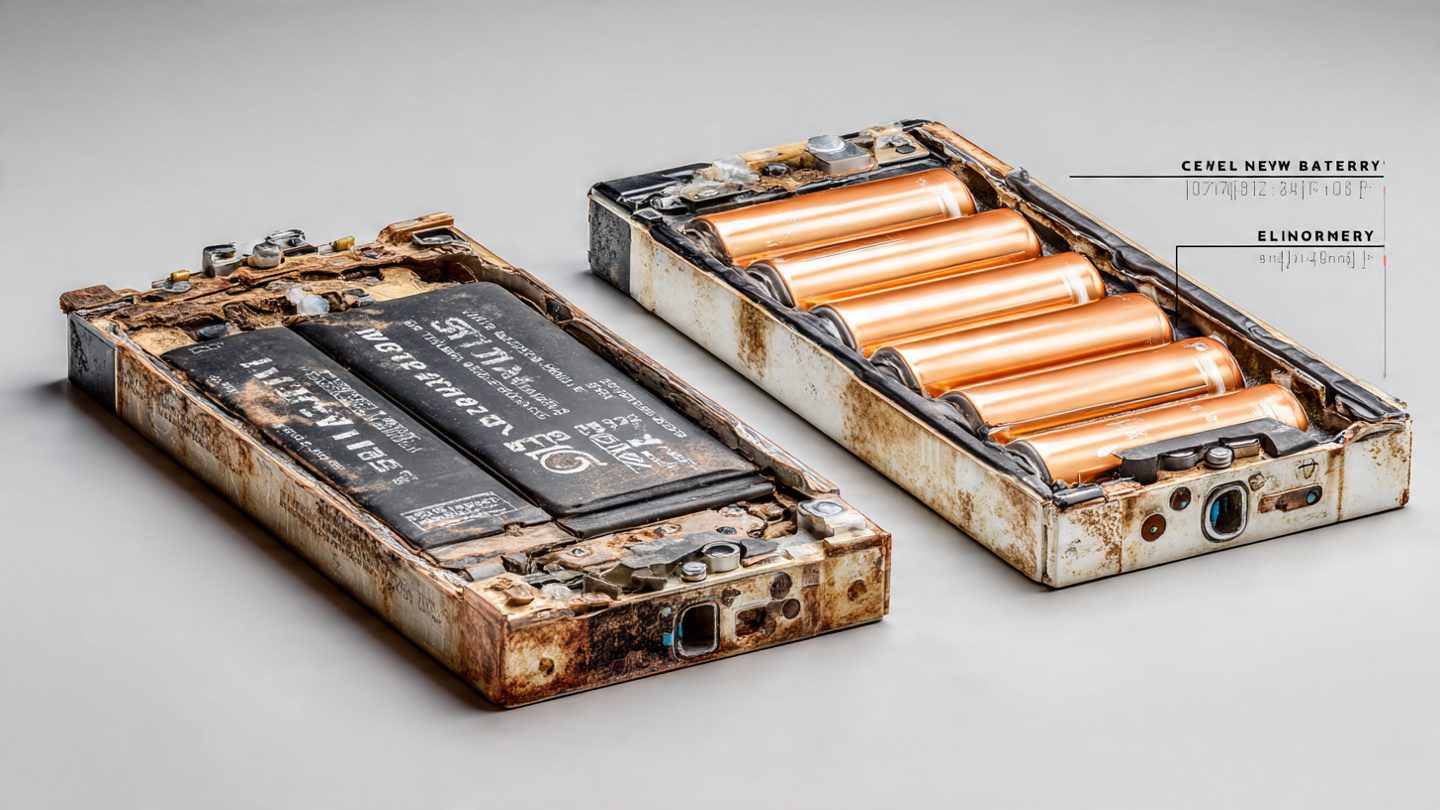
Sometimes, rapid battery drain isn’t due to software or usage—it’s a worn-out battery. Lithium-ion batteries degrade after a few hundred charge cycles, typically losing 20-30% of their capacity over 2-3 years.
Battery replacement is often cheaper than buying a new phone. Replacing the battery restores most of the original performance at a fraction of the cost.
However, consider other factors. If your phone is outdated, slow, or no longer receives software updates, investing in a new battery may not be worthwhile.
Newer phones offer improved battery efficiency, faster charging, and better features. If your current device lacks these, replacement could be more beneficial in the long run.
Professional diagnostics can determine battery health accurately. Many smartphones provide built-in battery health stats, showing maximum capacity compared to original specifications.
Ultimately, the decision depends on age, performance, cost, and how much you value new features versus restoring an old device.
Signs your phone battery is failing and needs replacement
Several signs indicate a failing battery. Rapid discharge is the most obvious symptom. If your phone drops 20-30% within an hour of moderate use, the battery may be worn.
Unexpected shutdowns are another warning. Phones sometimes turn off even with 30-50% remaining charge when the battery cannot maintain voltage under load.
Battery swelling is a physical indicator. A swollen battery can distort the case, lift the screen, or cause buttons to malfunction—this is dangerous and requires immediate attention.
Slow or inconsistent charging is also a clue. If your phone charges erratically or reaches 100% too quickly or too slowly, the battery may be deteriorating.
Overheating during normal usage is another symptom. A battery struggling to supply consistent power can generate heat.
Identifying these signs early helps prevent inconvenience and potential safety hazards.
How software updates influence battery drain
System updates can significantly affect battery performance. Updates often fix bugs, optimize memory management, and improve CPU efficiency, reducing unnecessary power consumption.
Conversely, some updates introduce new features that increase battery demand. Always review update notes to see if changes might impact battery life.
Updating apps is equally important. Developers constantly improve energy efficiency, and outdated apps may drain more power than necessary.
Battery usage stats often reset after updates, giving a fresh perspective on which apps consume energy. This helps in identifying any post-update issues.
Keeping your software current ensures compatibility with the latest optimizations and security patches, which indirectly helps battery longevity.

How to identify apps causing excessive drain
Identifying battery-draining apps is essential to managing rapid discharge. Modern smartphones provide detailed battery usage stats, showing which apps use the most power.
Look for apps that use disproportionate energy compared to their screen-on time. This often indicates background activity that can be restricted.
Disabling background activity for these apps can dramatically improve battery life. On Android, this can be done in settings; on iOS, background app refresh can be limited.
Monitoring over a week or more helps detect patterns. Some apps may only drain battery heavily under specific conditions, like location services or push notifications.
Uninstalling unnecessary apps entirely is sometimes the best solution. Fewer apps mean fewer background processes and more efficient battery usage.
Understanding hardware limitations and power efficiency
Older hardware can significantly affect battery performance. CPUs, RAM, and displays have varying energy efficiency levels, which decline with age and wear.
Displays, especially bright or high-refresh-rate screens, consume significant power. Older devices may struggle with newer apps optimized for modern hardware, draining the battery faster.
Batteries naturally lose capacity over time, even if usage is moderate. Aging circuits increase internal resistance, reducing efficiency and causing faster discharge.
Optimizing hardware settings, like reducing screen brightness or disabling unnecessary sensors, helps mitigate these limitations.
Recognizing when hardware is the root cause allows you to make informed decisions about replacement versus optimization.
How to choose a mobile phone under €300 (best price/performance ratio)
Summary
Rapid battery drain is a common concern but not always a reason to buy a new phone. Understanding app behavior, software optimization, charging habits, and battery health is key. By implementing effective strategies and monitoring usage, you can extend battery life and decide wisely whether to replace the battery or upgrade your device.
FAQ
1. Why does my phone battery die so quickly even with light use?
This is often due to background apps, outdated software, or an aging battery.
2. Can I improve battery life without buying a new phone?
Yes. Adjusting settings, limiting background activity, and following best charging practices helps significantly.
3. How do I know if my battery needs replacement?
Look for rapid discharge, unexpected shutdowns, slow charging, overheating, or battery swelling.
4. Is it better to replace the battery or buy a new phone?
If your phone is old or slow, upgrading may be better. For newer devices, battery replacement is cost-effective.
5. Do software updates affect battery life?
Yes. Updates can fix bugs and optimize performance, but new features may also increase energy usage.
CTA (Call-To-Action)
Tired of your phone dying too quickly? Take control of your battery life today! Learn expert strategies to extend usage and make smarter choices about upgrades.